
Messages and notices
Say it once, to the right people.
Messages, announcements and notifications that know each person's role, with an unread badge that refreshes every 30 seconds and when you return to the page.

Messages and notices: the screens.
EduzOS screens with fictional Greenfield School data.
SCREEN 01
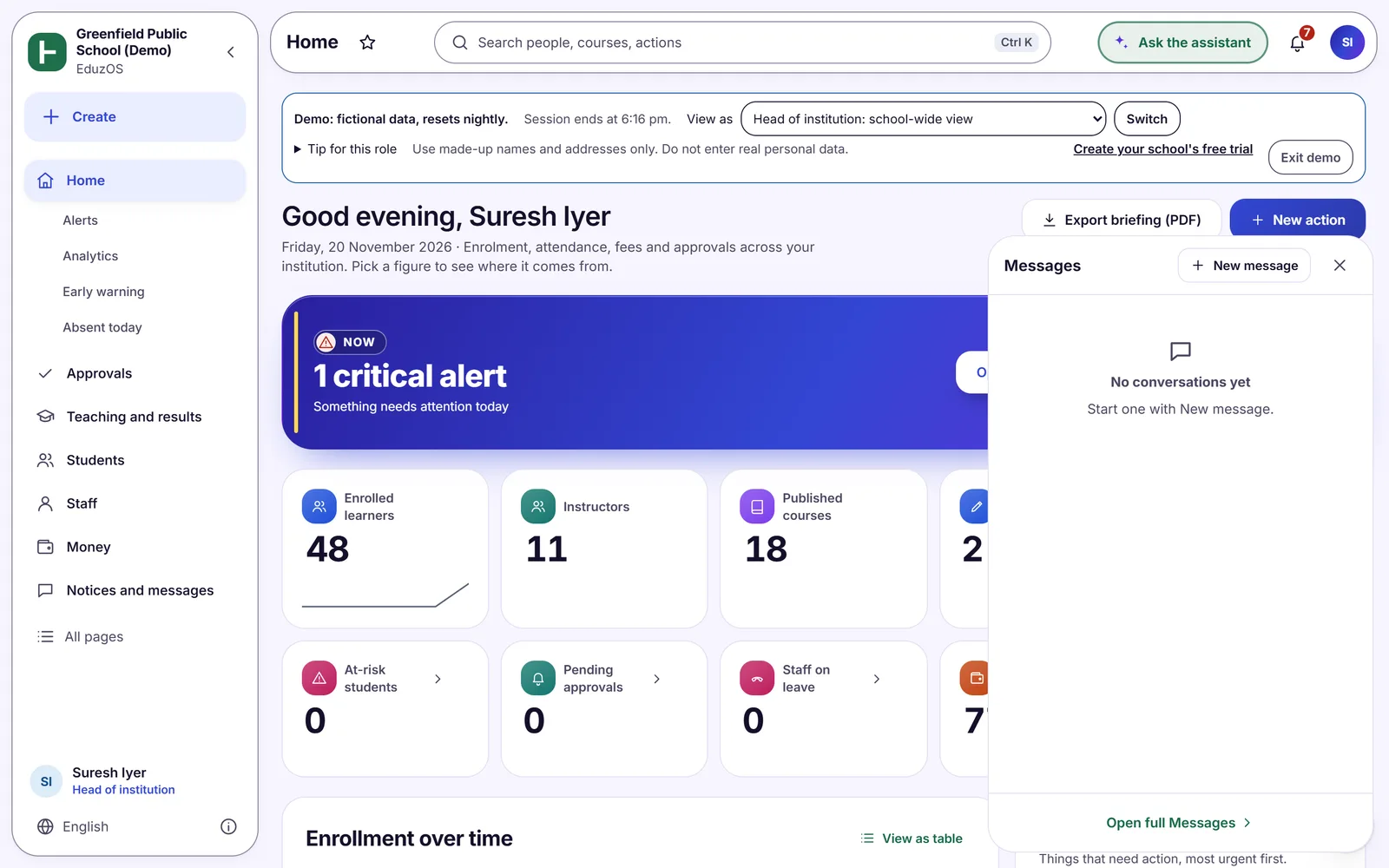
Chat popup
Real product screen; Greenfield School is fictional.
SCREEN 02
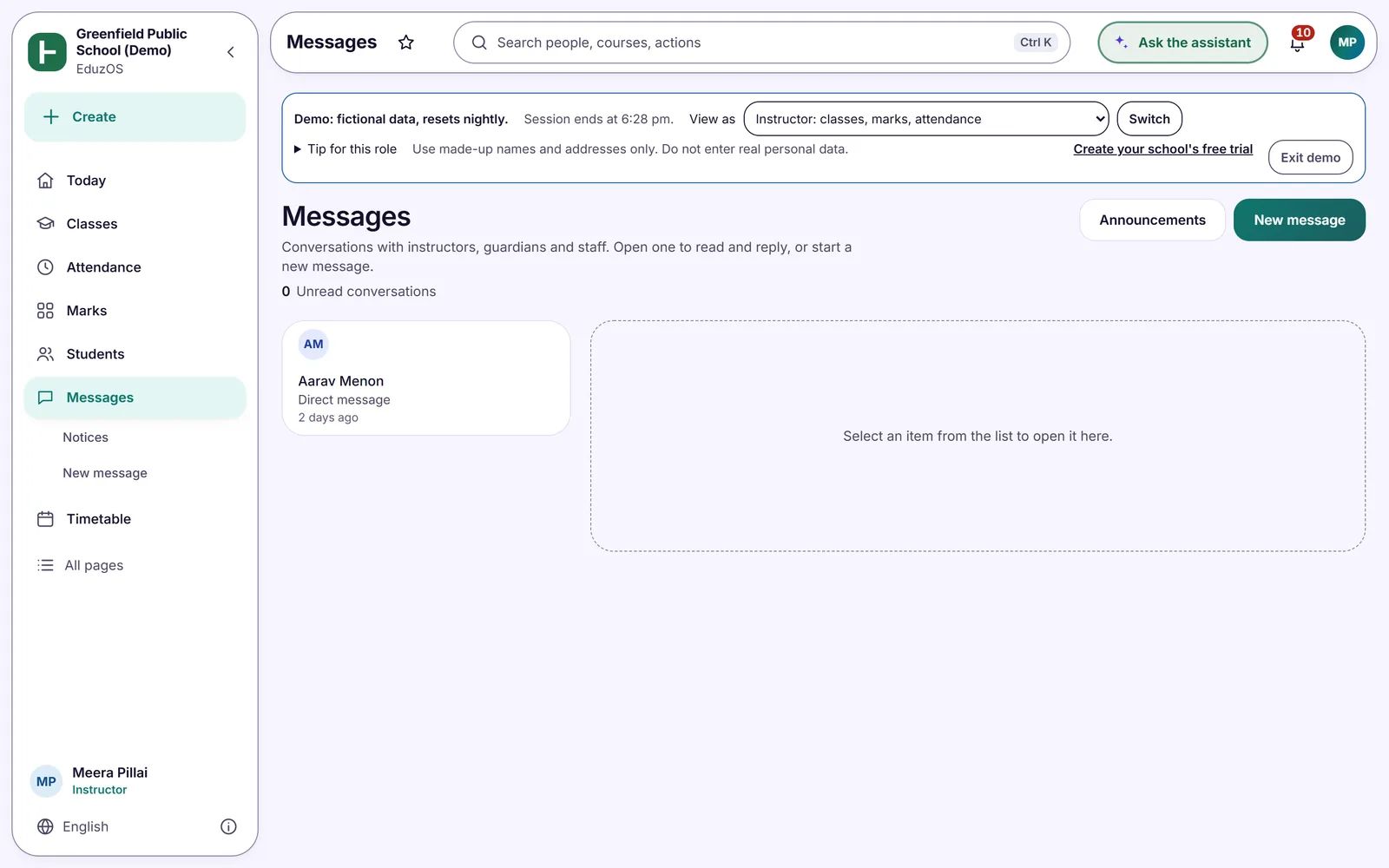
Teacher
Real product screen; Greenfield School is fictional.
SCREEN 03
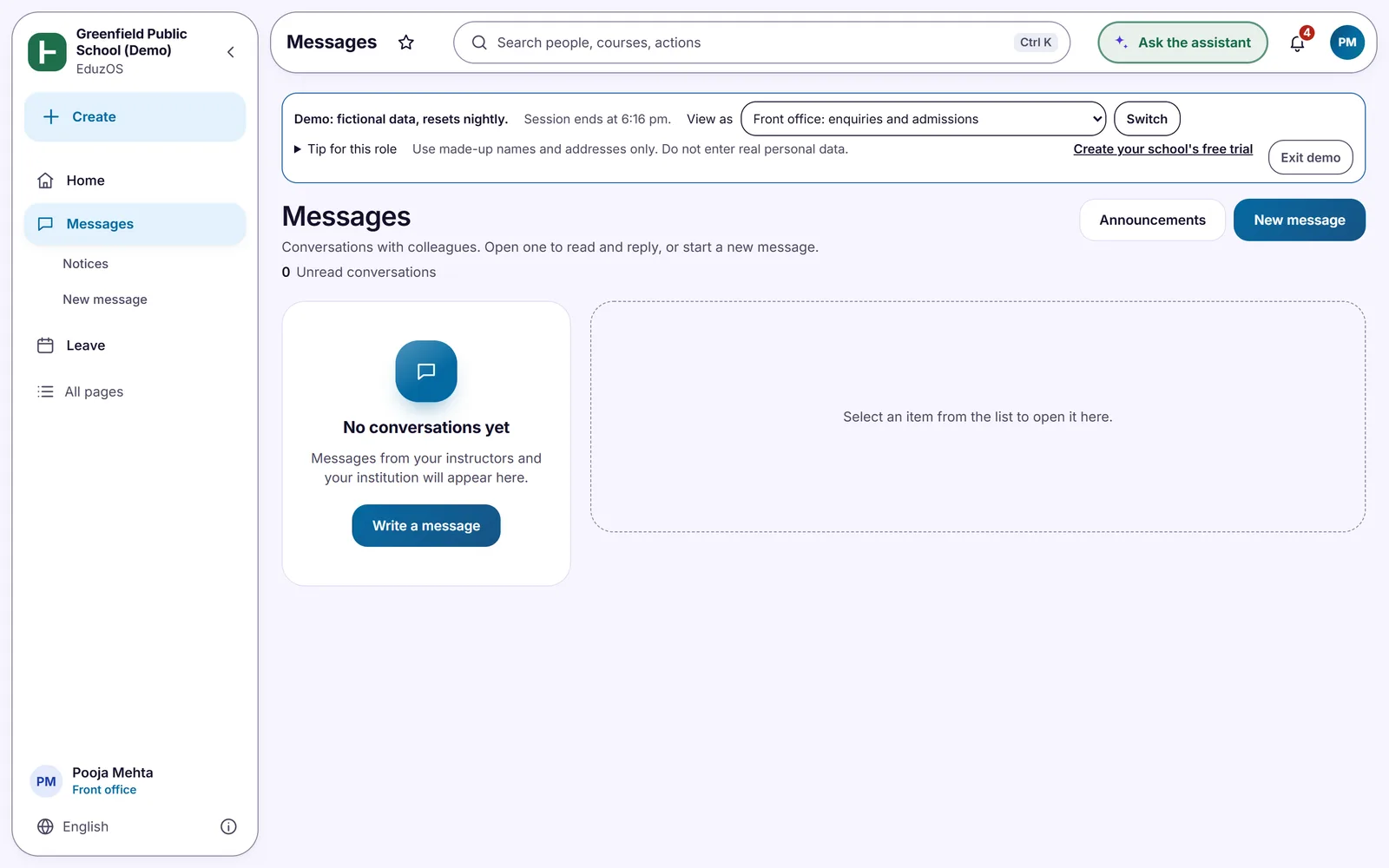
Front office
Real product screen; Greenfield School is fictional.
SCREEN 04
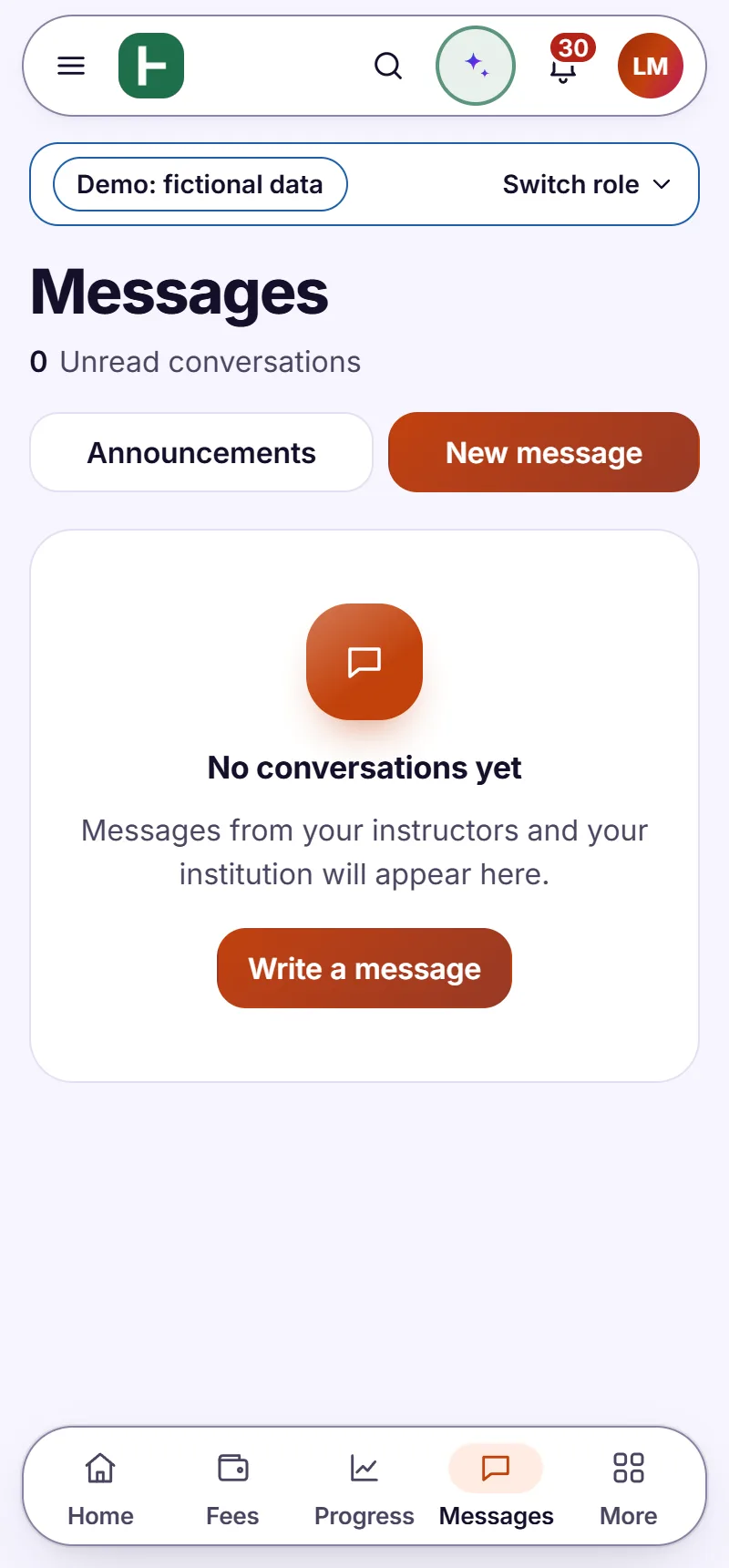
Parent
Real product screen; Greenfield School is fictional.


What ships
What ships in this area.
7 capabilities, in the product today
Said plainly
SMS and push delivery need a provider that your institution configures.
Messages
Messages for staff, students and families.
Chat popup
A chat button opens a conversation in place, so you can reply without leaving the screen you are on.
Assistant
The Assistant answers from the product guide with cited sources, and says so when nothing matches.
Announcements
Send notices to the people who need to see them.
Unread badge
The unread count refreshes every 30 seconds and when you return to the page.
Role-aware notifications
Each role is notified about what concerns it.
Preferences
Each person chooses how they are notified.
Next areas
Keep walking the campus.
Three more areas of EduzOS, each with its own screens.
Family Mode
A parent view in plain words, in 11 languages (10 machine-translated, native review pending).
See the screens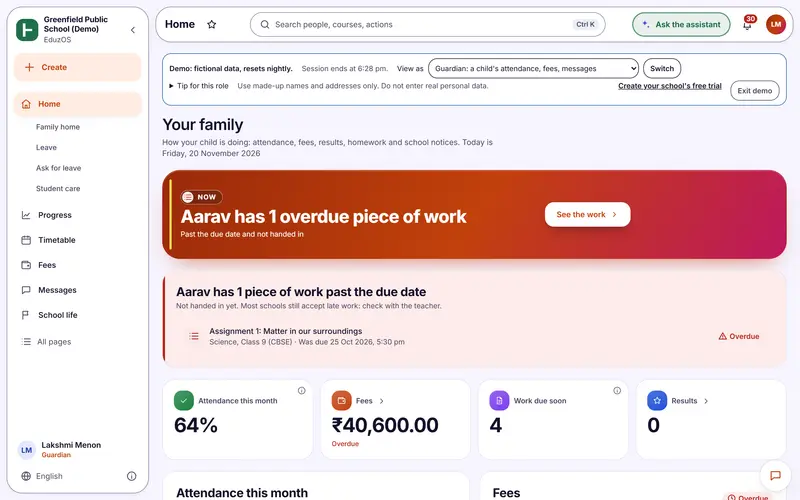
Campus modules
Ten optional modules: library, transport, hostel and more.
See the screens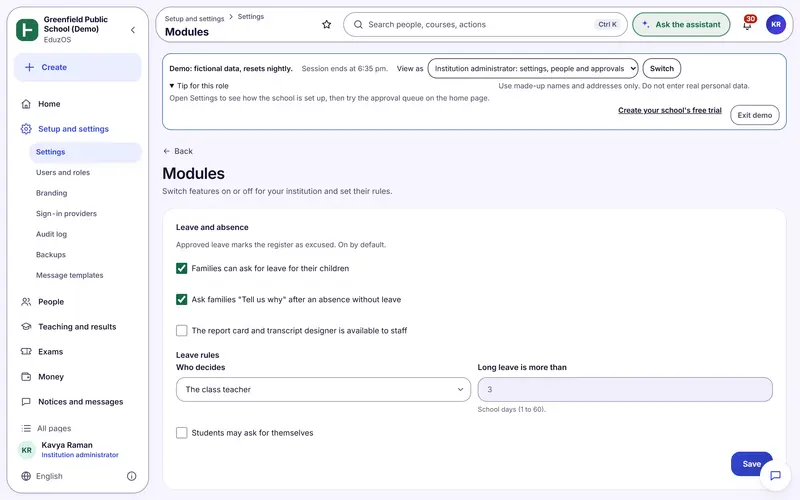
Education packs and languages
19 pack files, 5 country bases, 11 interface languages.
See the screens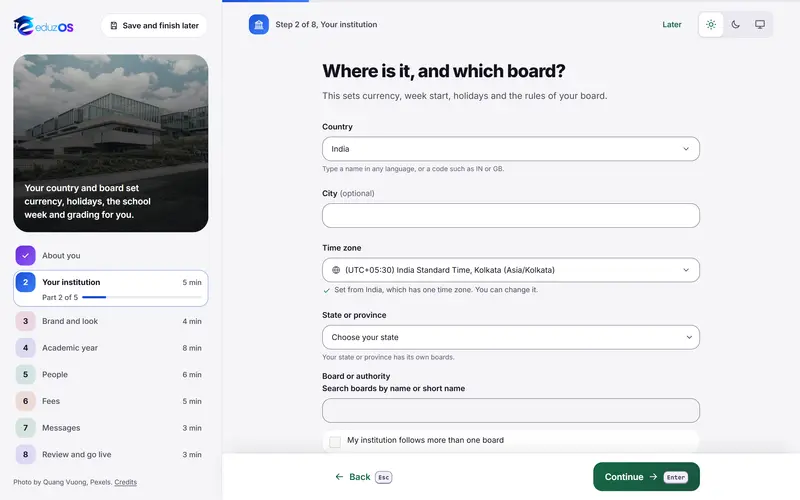
See this area on demo data.
We walk through this area on demo data, with the education pack closest to yours.