
Product
One platform, one campus.
EduzOS is an on-premises-first learning and student information platform for schools and universities.

What it is for
Four problems, one answer.
Institutions that want one record of each learner, fee and member of staff, on infrastructure they run, with every role seeing only its own part.
The problem
Many tools, many logins
Teachers, the office, finance and families work in one place with 13 roles and single sign-on by institution code.
The problem
Data entered twice
Attendance, grades, fees and results are recorded once and reused by report cards, transcripts, finance reports and Family Mode.
The problem
Parents left guessing
Family Mode gives one account per family, a child switcher, one next step, and attendance and homework in plain words.
The problem
No say over your own data
EduzOS installs on your infrastructure. You control vendor access to your data, and sensitive actions are written to a hash-chained audit log.
Section cut
Four floors, one building.
A section through EduzOS, from the head's desk down to the server room.
Roles
Same product, a home for each role.
13 roles sign in to the same EduzOS. Each lands on its own home. Six of them, on fictional Greenfield School data:
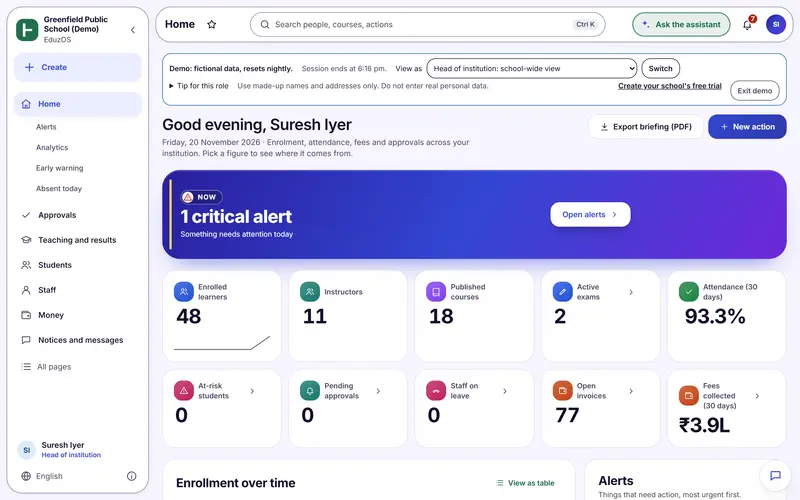
Head of institution
Approvals, attendance, fees and alerts across campuses.
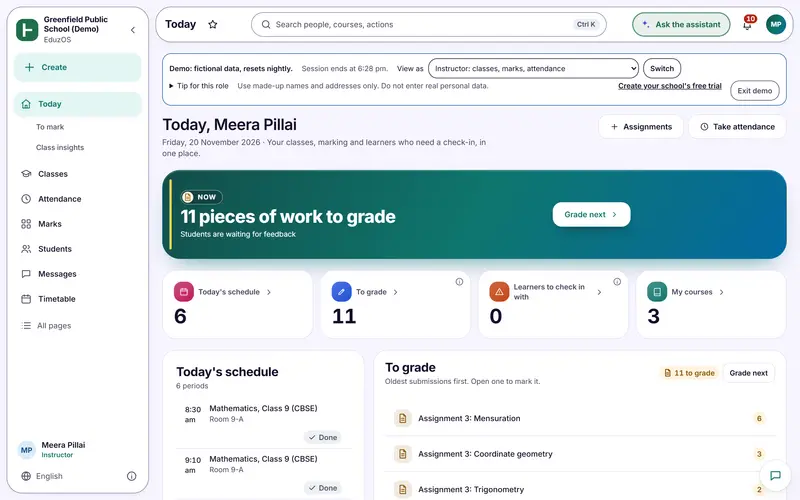
Teacher
Today's classes, attendance and the grading queue.
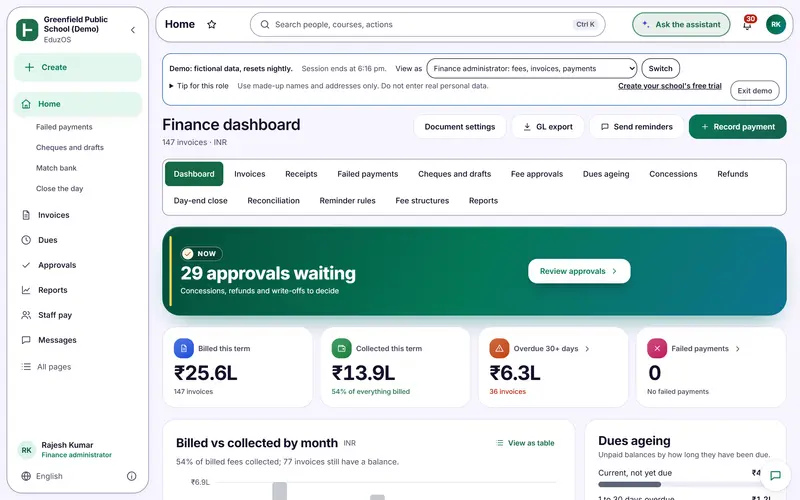
Finance
Invoices, receipts, approvals and the day close.
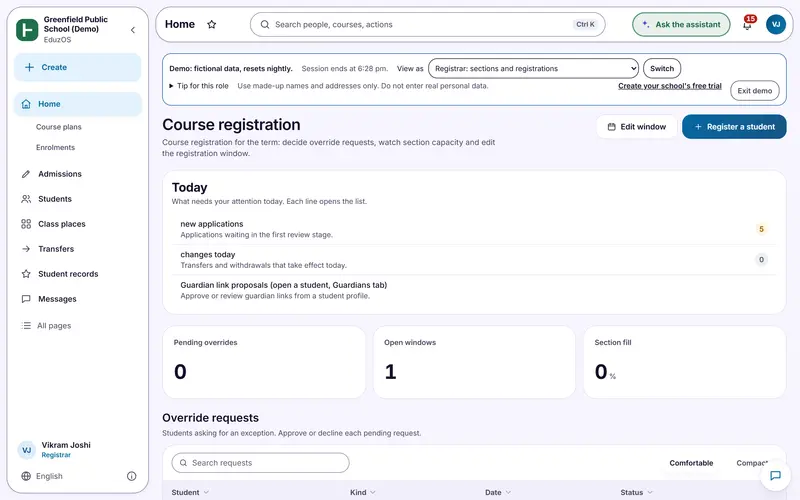
Registrar
Admissions, enrolment and capacity.
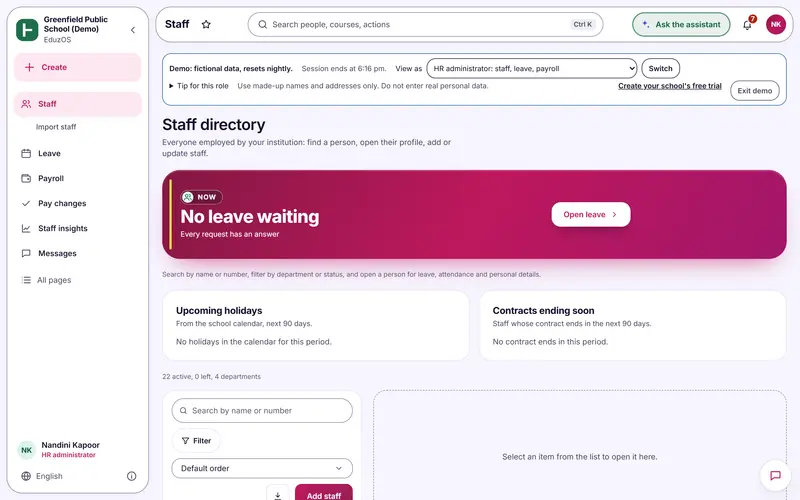
HR
Staff, leave and the payroll run.
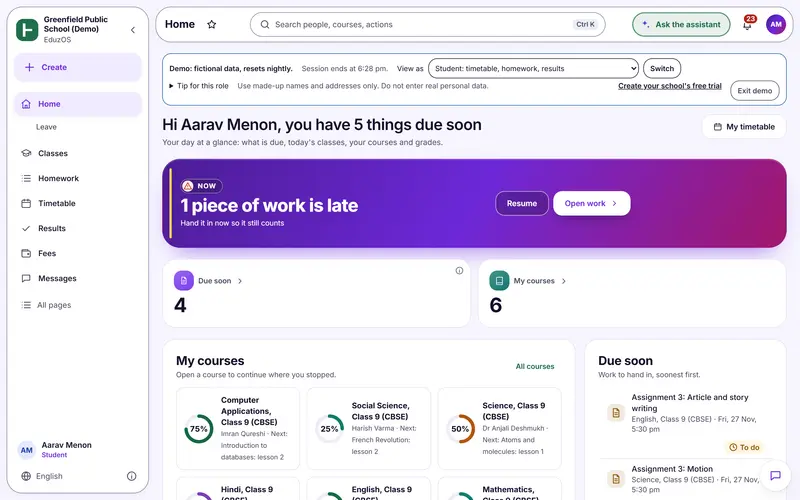
Student
Courses, timetable, assignments and results.
Areas
19 areas ship today.
190+ screens across 13 role workspaces. Open any area to see its screens.
Setup wizard
Eight guided steps from empty install to go-live.
See the screens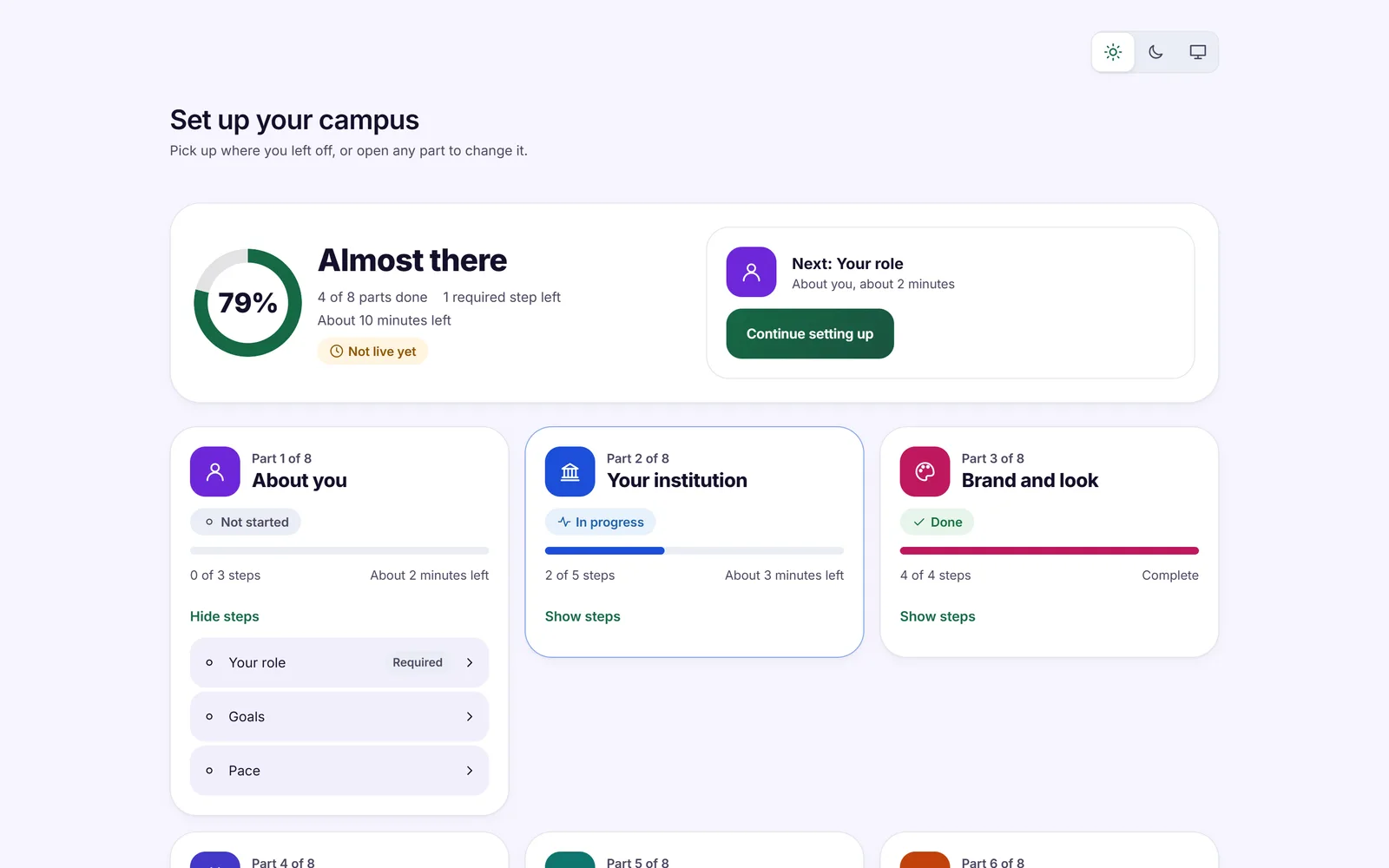
Teaching and learning
Courses, assignments, online exams, gradebook and attendance.
See the screens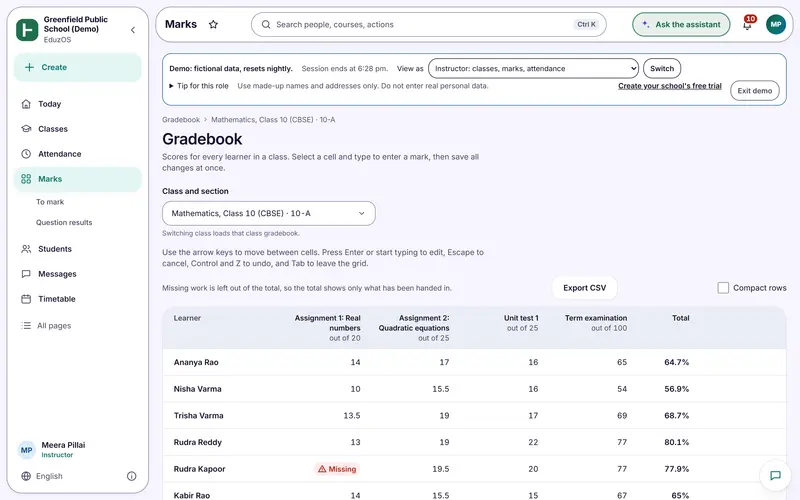
Exams office
Halls, sessions, seating, hall tickets, readiness, cases and moderation.
See the screens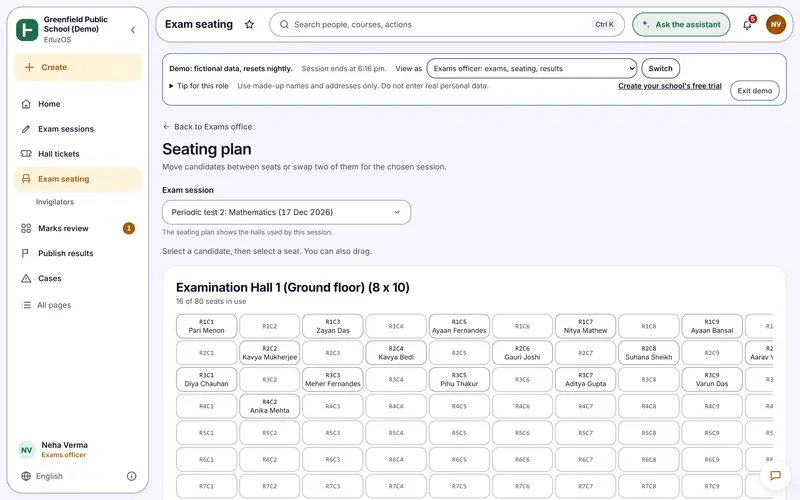
Fees and finance
Invoices, receipts, concessions, refunds, approvals, day close.
See the screensHR and payroll
Staff directory, leave, payroll runs, payslips and loans.
See the screens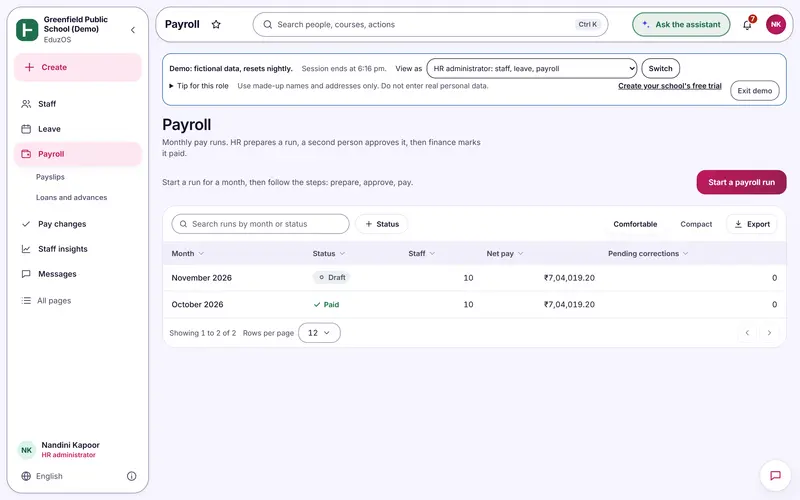
Admissions and records
Admissions pipeline, student records, registrar, certificates.
See the screens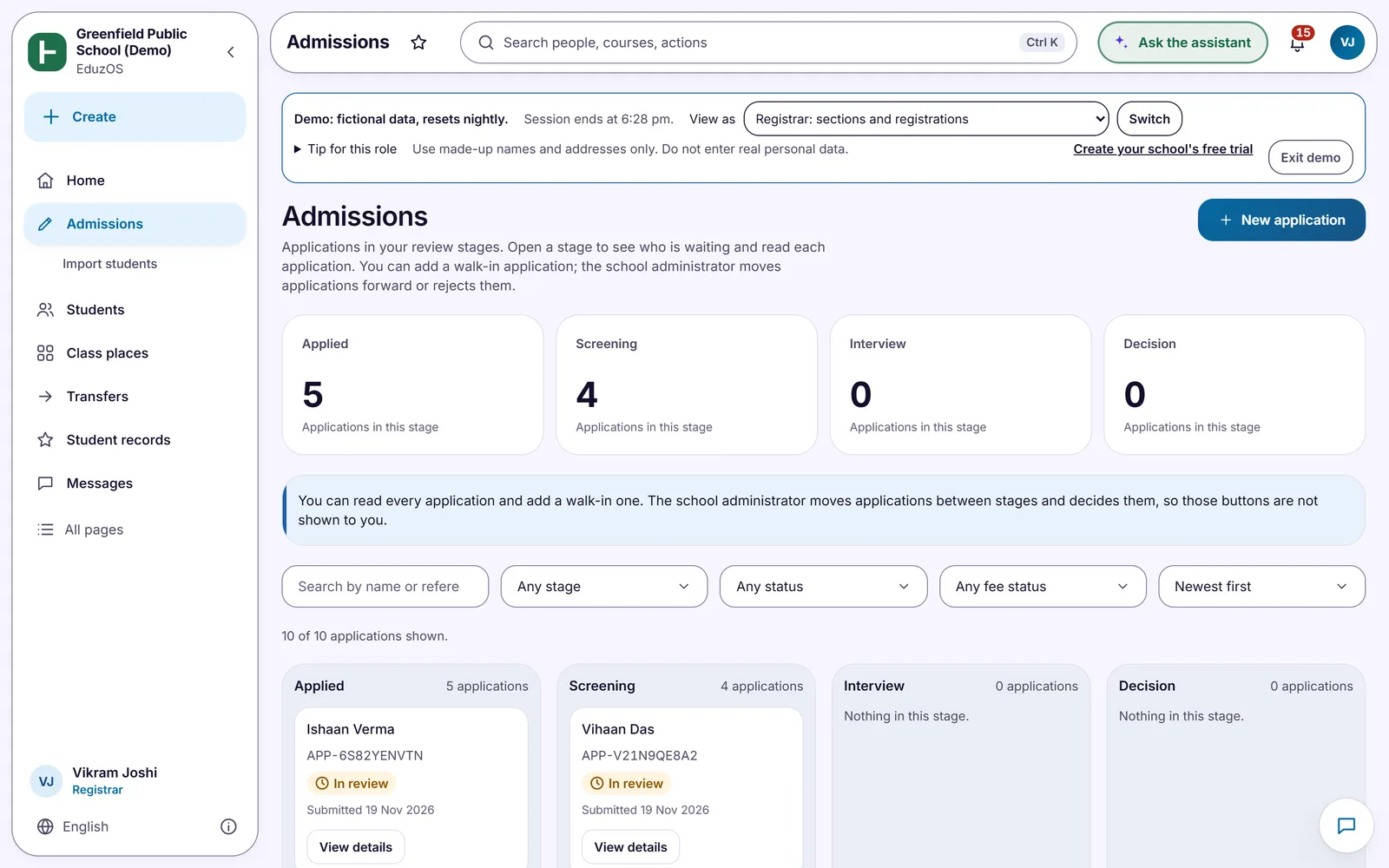
Messages and notices
Messages, announcements and role-aware notifications.
See the screens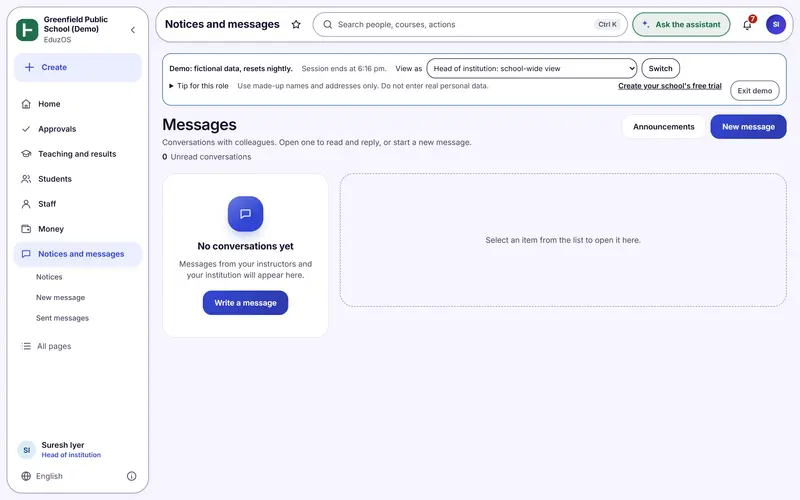
Family Mode
A parent view in plain words, in 11 languages (10 machine-translated, native review pending).
See the screens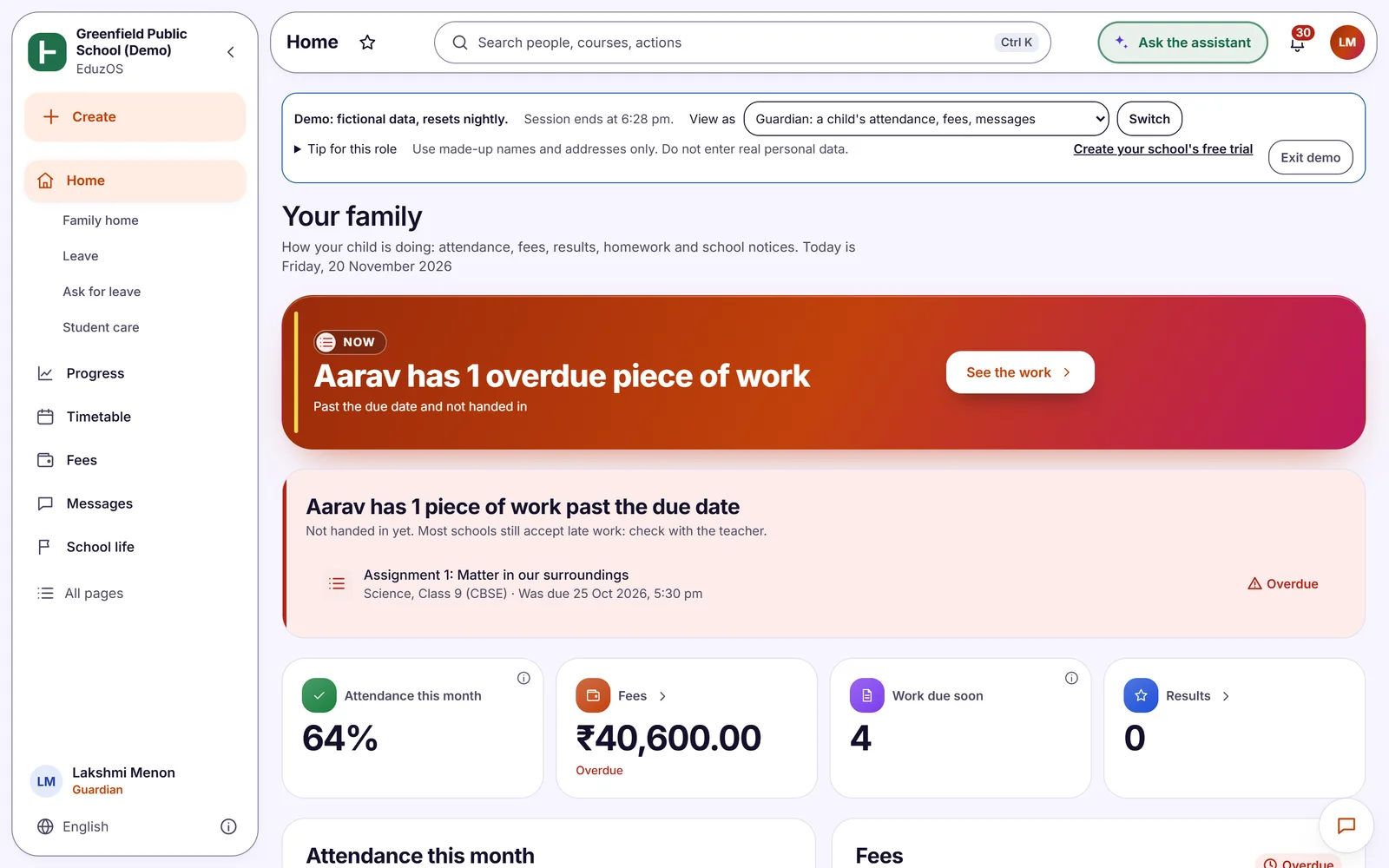
Campus modules
Ten optional modules: library, transport, hostel and more.
See the screens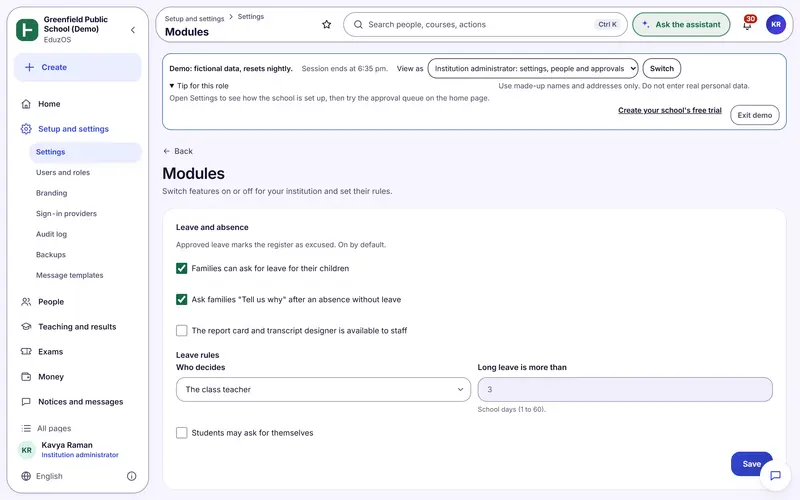
Education packs and languages
19 pack files, 5 country bases, 11 interface languages.
See the screens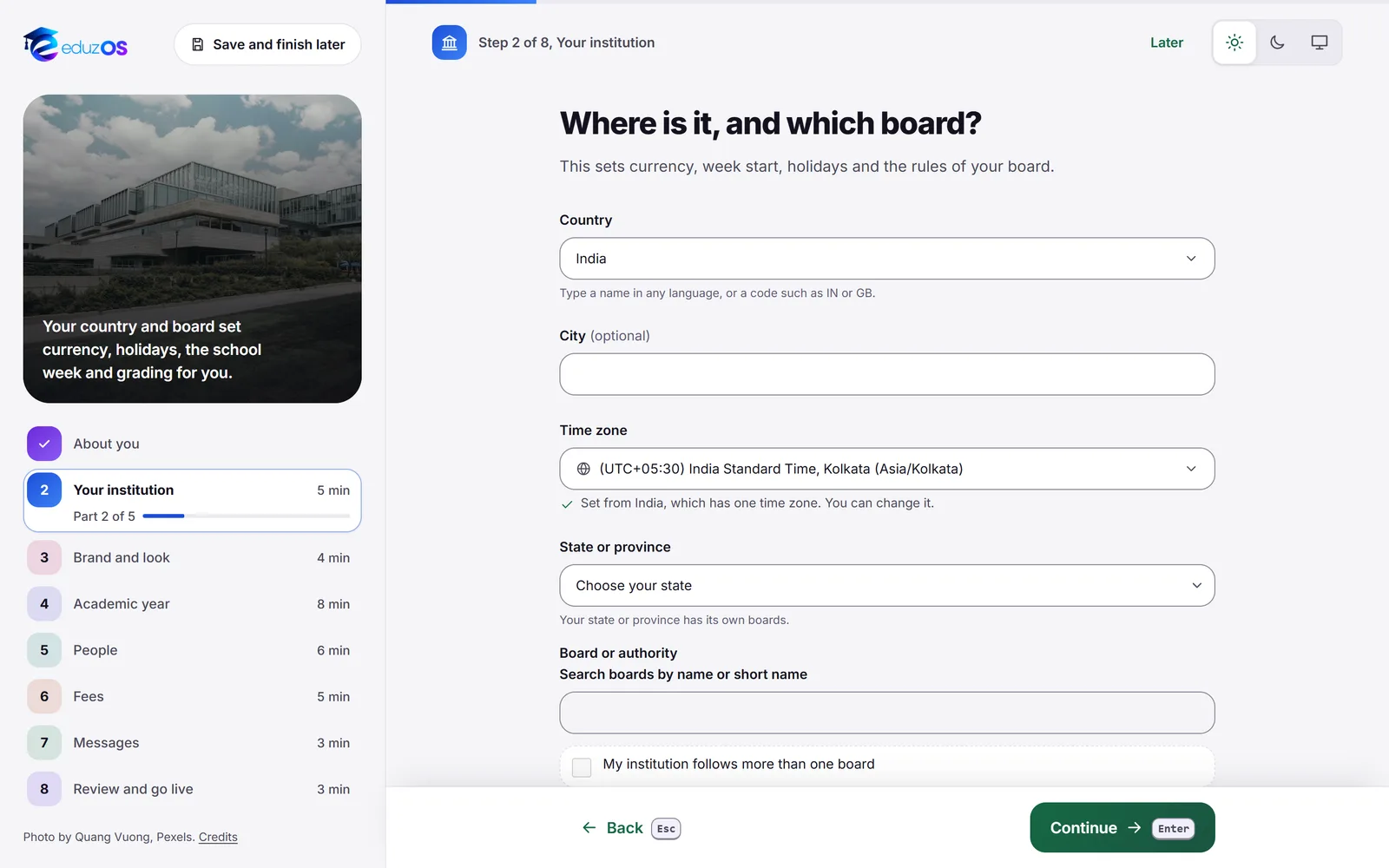
Careers and placement
Drives, eligibility, applications, offers, and a recruiter view.
See the screensAlumni
Directory, mentoring, events and groups.
See the screensOutcomes and accreditation
Frameworks, attainment, evidence and accreditation cycles.
See the screensRole workspaces
13 role workspaces and an audited View as role.
See the screens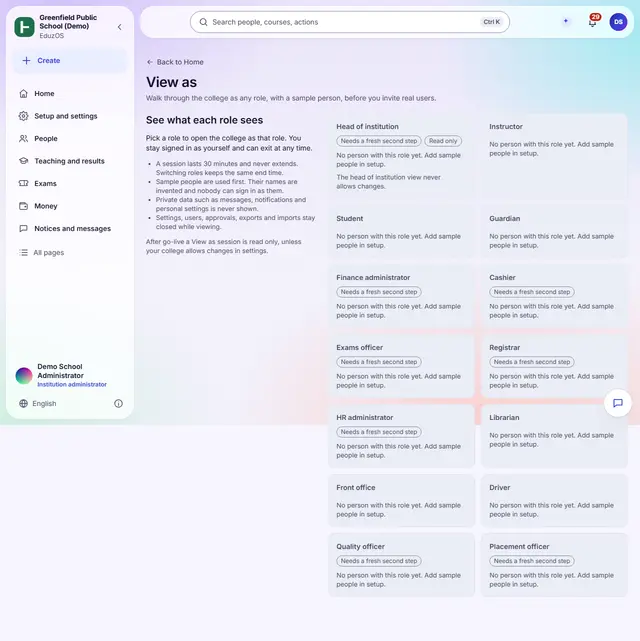
My profile
Photo, preferences, sessions and privacy shortcuts.
See the screens
AI Core Engine
Cited answers that run inside your deployment.
See the screens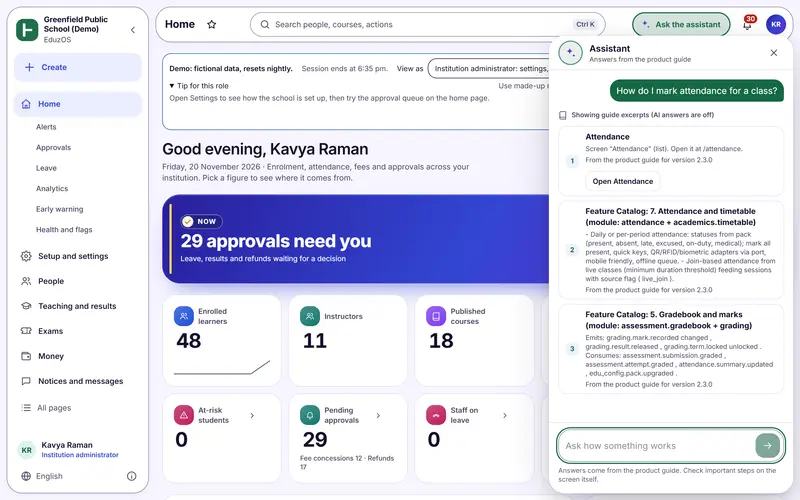
Installable app
Install from the browser, offline pages, lite mode.
See the screens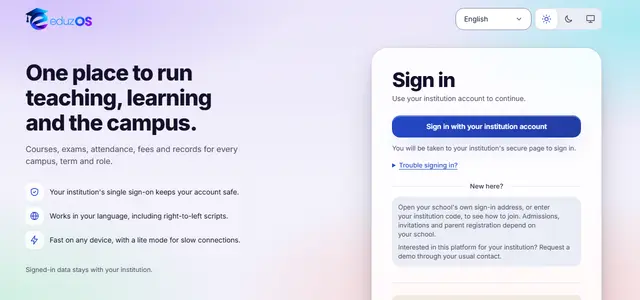
Theme Studio
Your colour and shape across the whole product.
See the screens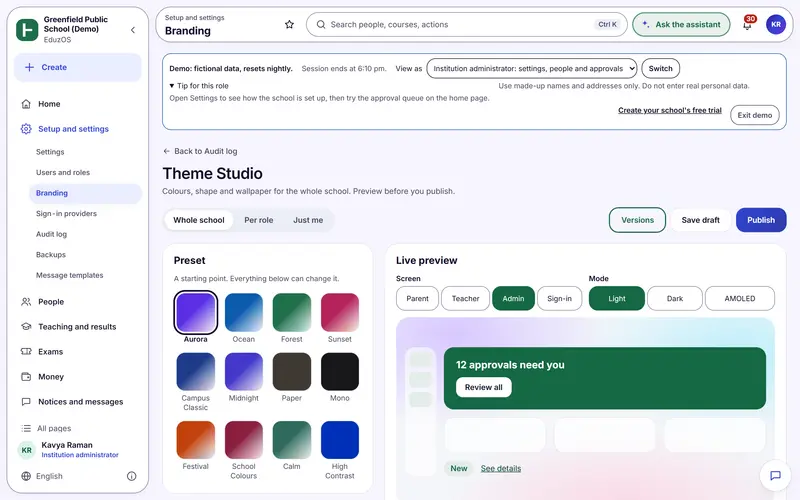
Operations
lmsctl: install, doctor, backup, restore, upgrade.
See the screens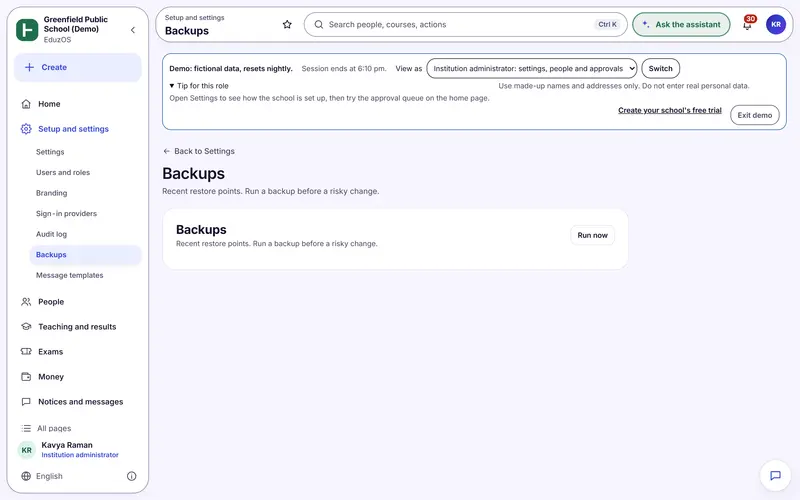


Arrival
How it arrives.
Three steps, run by your own people on your own server.
Install
lmsctl preflight --host <name> checks the server, then lmsctl install --host <name> --version <x.y.z> sets up the platform from the deployment files.
Deployment and operationsSet up
An administrator follows the setup wizard: institution, brand, academic year, people, fees and messages, then go-live.
The setup wizardRun
Your operator takes encrypted backups on your schedule, and lmsctl upgrade --to <x.y.z> moves you to a newer release.
Operations
Plain limits
Said plainly.
English is the source language. The other 10 interface languages are machine-translated and pending native review.
Education packs and reference data for boards and universities ship with expert review pending. The state-first board picker is shipped for India only.
SMS and push need a provider that your institution configures.
Walk through the product with us.
A guided session on demo data, shaped around your institution type and country.