
Setup wizard
A guided setup, from empty install to go-live.
A new install opens a first-run screen. The first administrator claims it with a one-time setup code, then a guided wizard takes them to go-live, saving their place whenever they stop. Fictional sample data is optional, and removable.
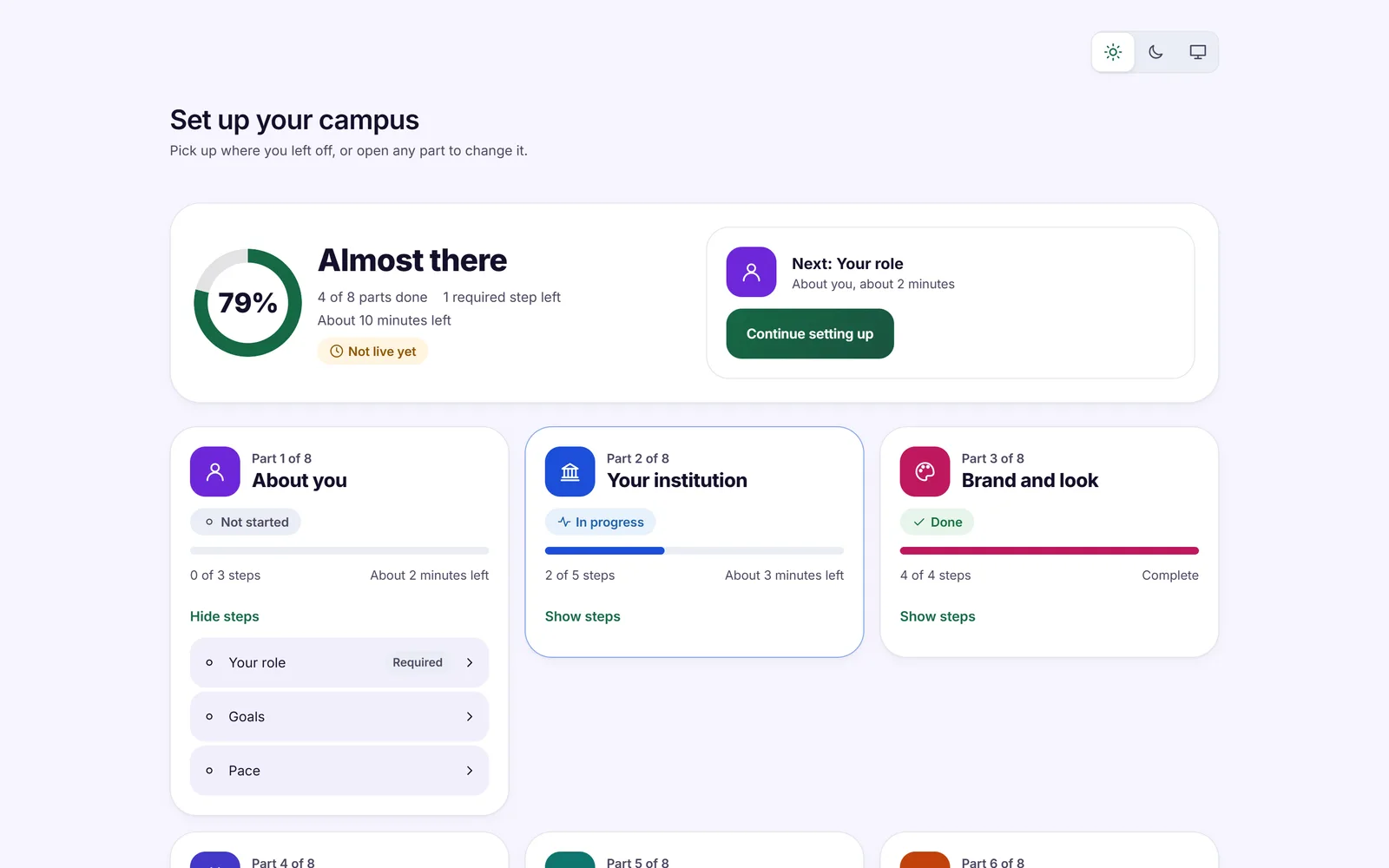
Setup wizard: the screens.
EduzOS screens with fictional Greenfield School data.
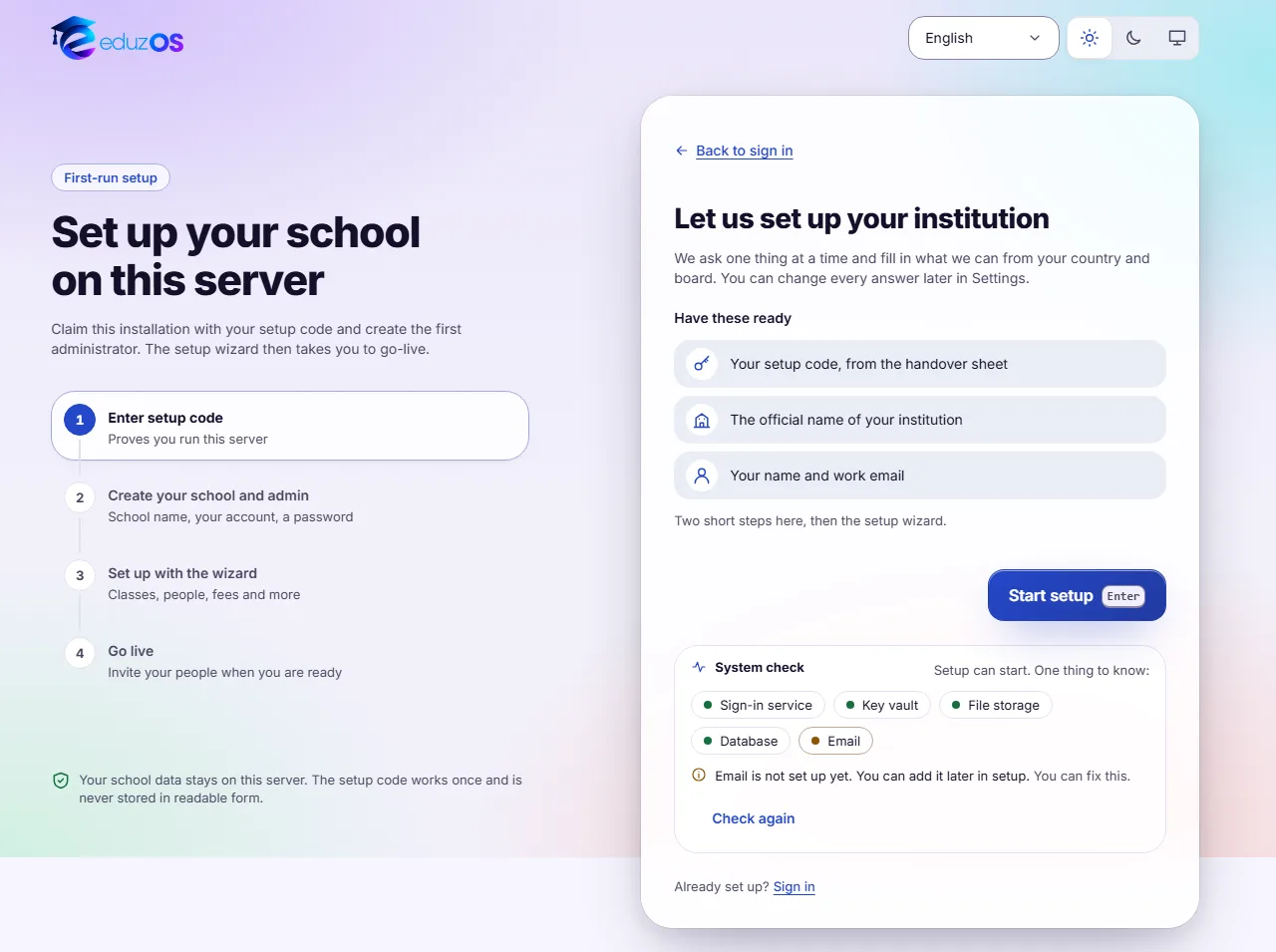
SCREEN 01
First run
Real product screen; Greenfield School is fictional.
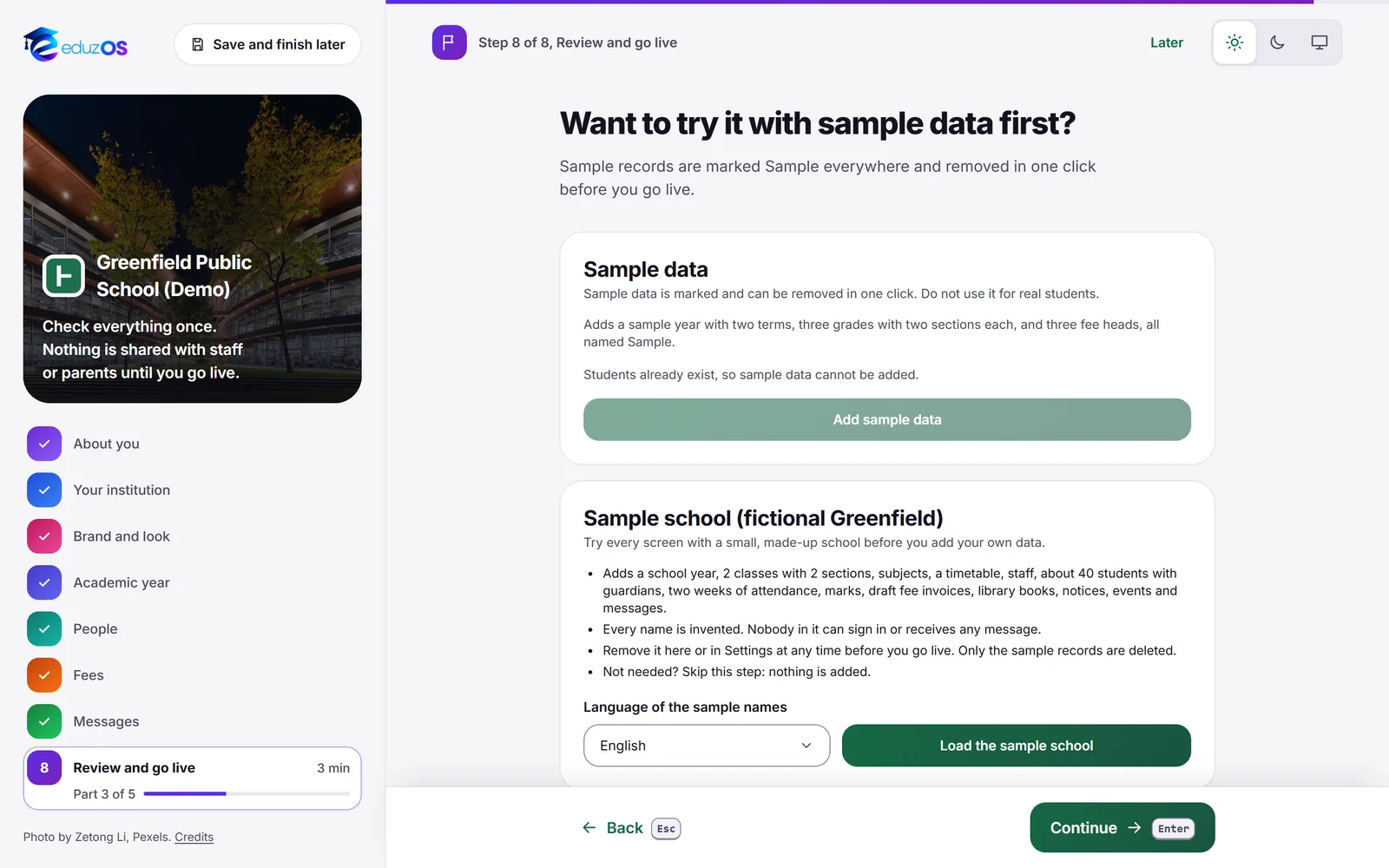
SCREEN 02
Sample data
Real product screen; Greenfield School is fictional.
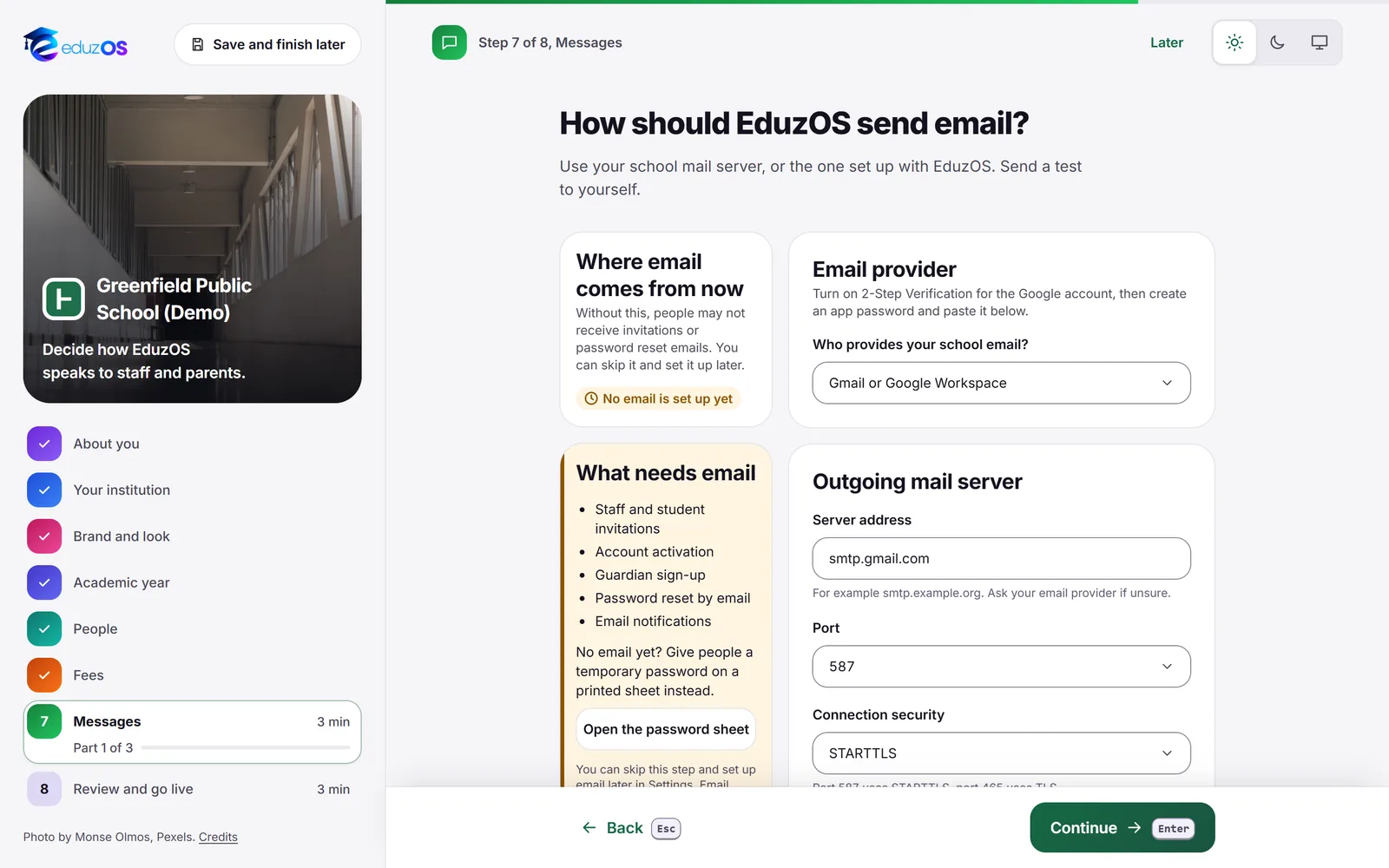
SCREEN 03
Email
Real product screen; Greenfield School is fictional.
SCREEN 04
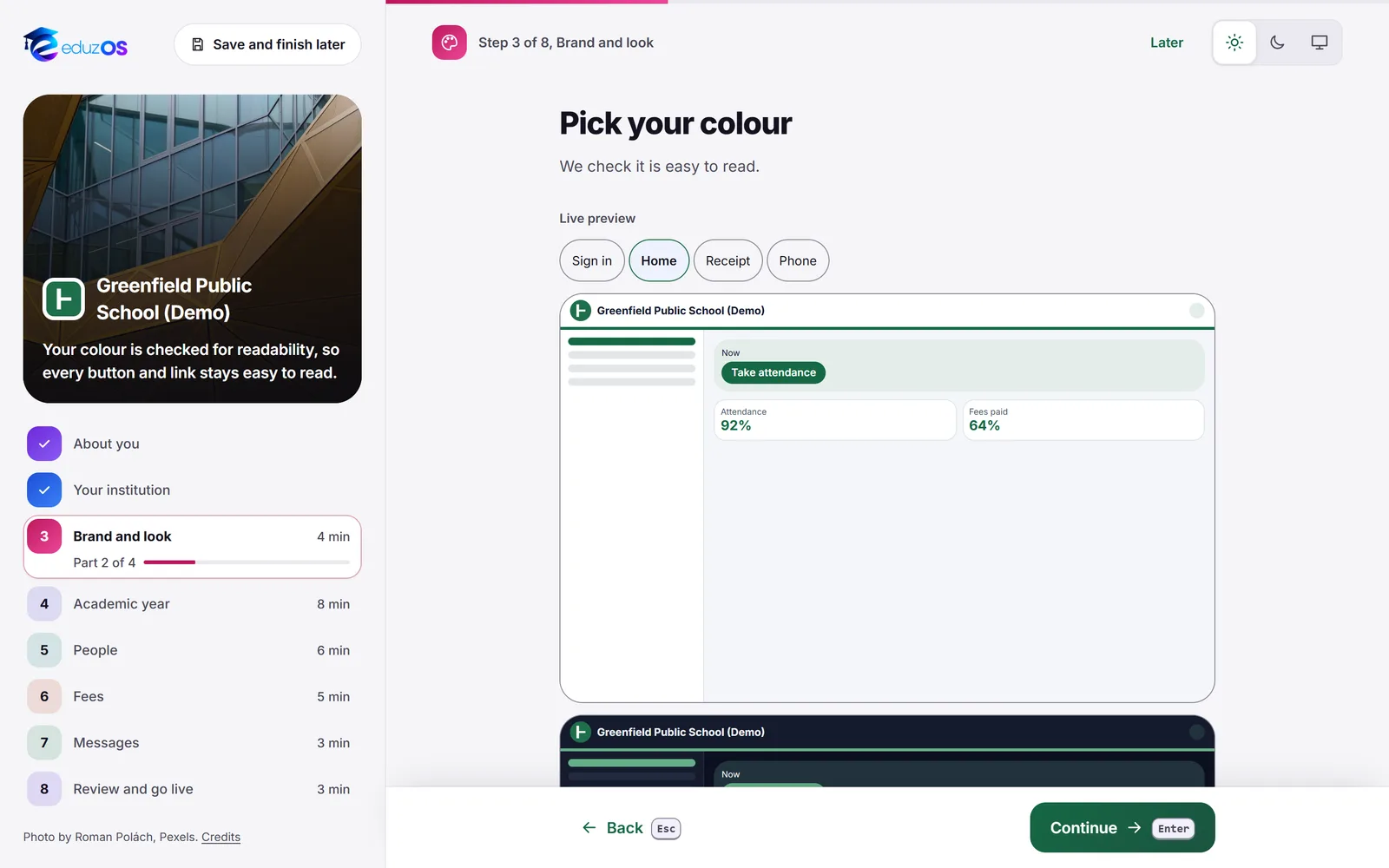
Brand
Real product screen; Greenfield School is fictional.
SCREEN 05
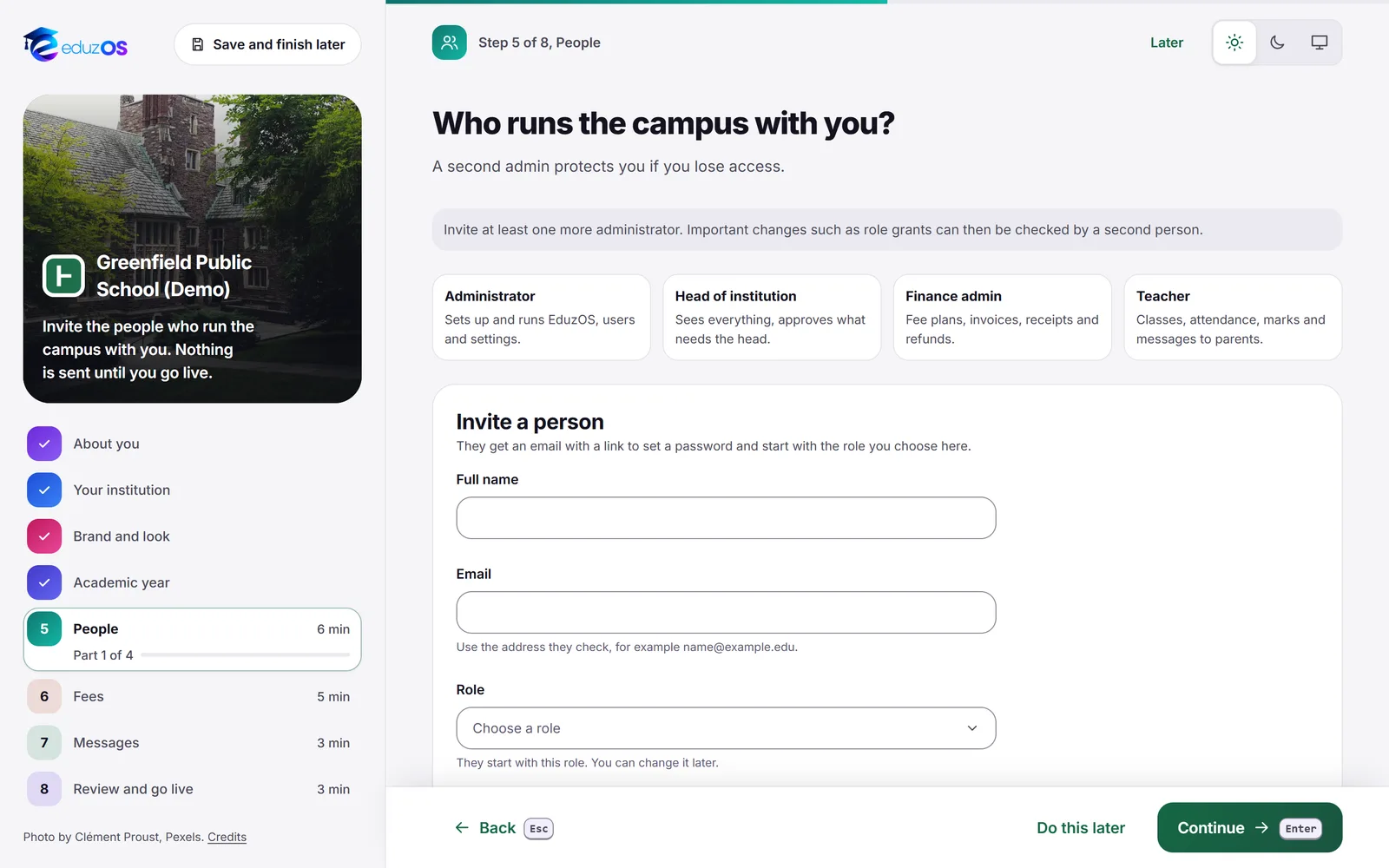
People
Real product screen; Greenfield School is fictional.
SCREEN 06
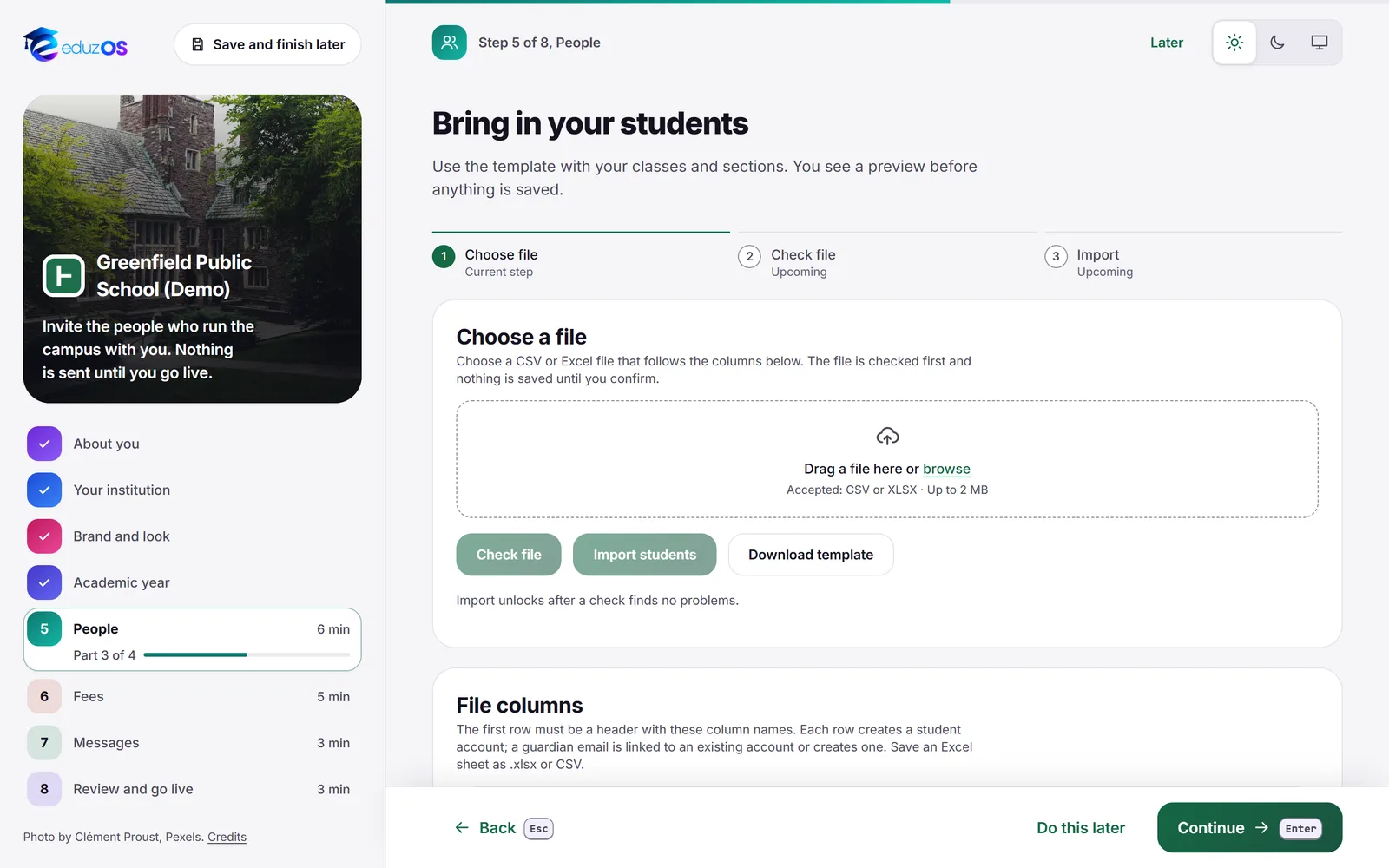
Students
Real product screen; Greenfield School is fictional.
SCREEN 07
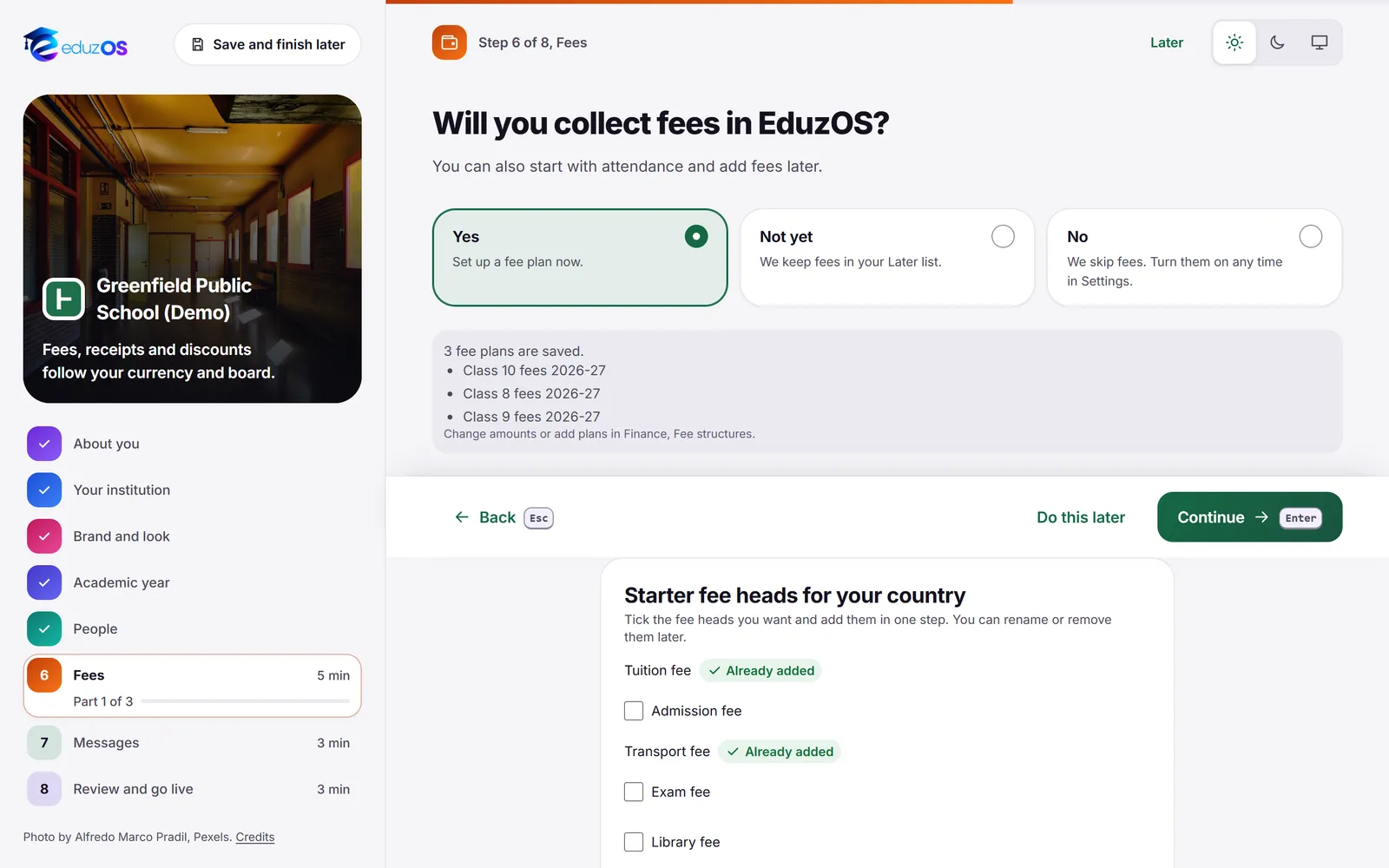
Fees
Real product screen; Greenfield School is fictional.


What ships
What ships in this area.
12 capabilities, in the product today
First run and claim
A fresh install shows a redesigned first-run screen with a short system check. The school's first administrator claims it with a one-time setup code read from the server, then sets a password.
Server email with a test send
Optional server email setup lets you send a test message before you rely on it.
Sections per class
The setup wizard lets you define sections for each class.
Logo upload and brand colour
Upload your logo (hidden metadata is removed from the file) and the wizard checks that your brand colour stays readable.
Optional sample data
A wizard step can load a fictional, clearly labelled Greenfield school (staff, students, classes, a timetable, attendance, marks and more) so you can explore. Removing it shows a dry-run count first and deletes only the tagged rows.
Email for any provider
The administrator sets up outgoing email in the browser: pick Gmail, Microsoft 365, your own domain, Amazon SES or another provider and the server details are filled in. It can be skipped and done later.
Setup wizard and hub
A step-by-step wizard and a hub that shows what is done and what is next, with each step timed in minutes.
State-first board picker
For India, choose your state first, then the boards offered for it. Packs ship with expert review pending.
Terminology and numbering
Call things what your institution calls them, and set how your records and documents are numbered.
Grading settings
Grading scales come from your education pack and can be adjusted in settings.
Document designer
Design the documents your office issues from one place.
Connections
A settings area for the outside services your institution chooses to connect.
Next areas
Keep walking the campus.
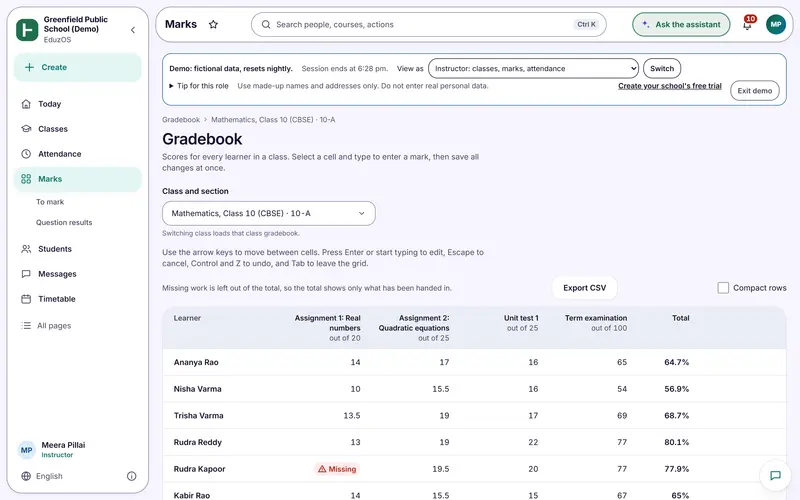
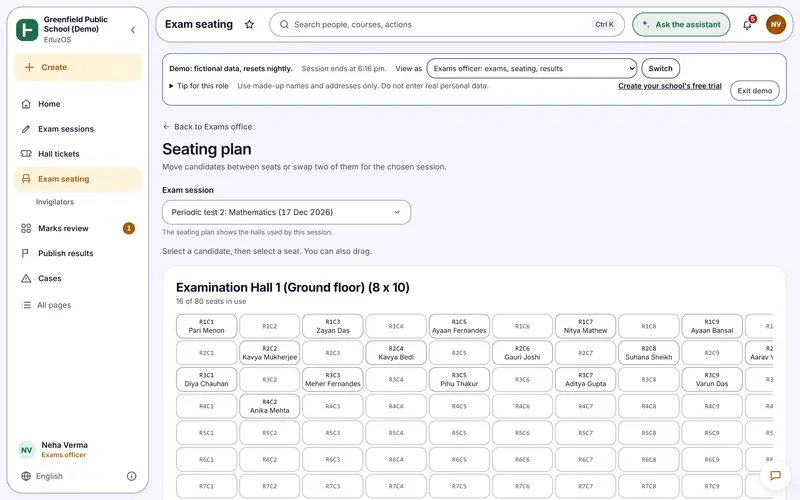
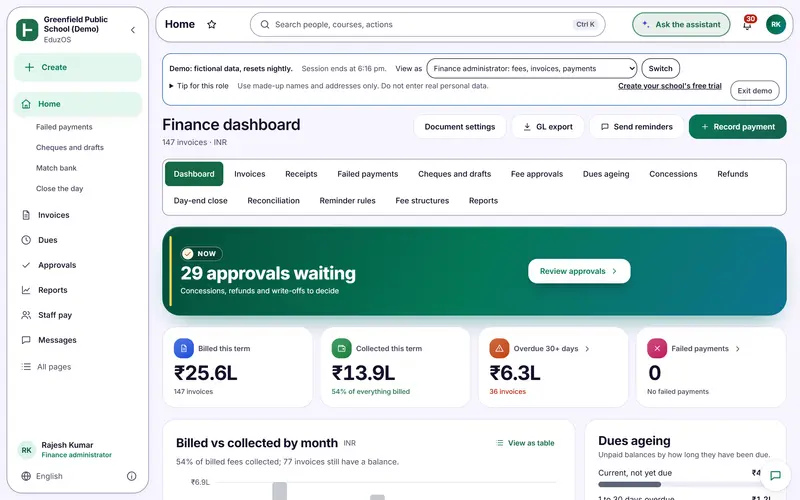
Three more areas of EduzOS, each with its own screens.
See this area on demo data.
We walk through this area on demo data, with the education pack closest to yours.